
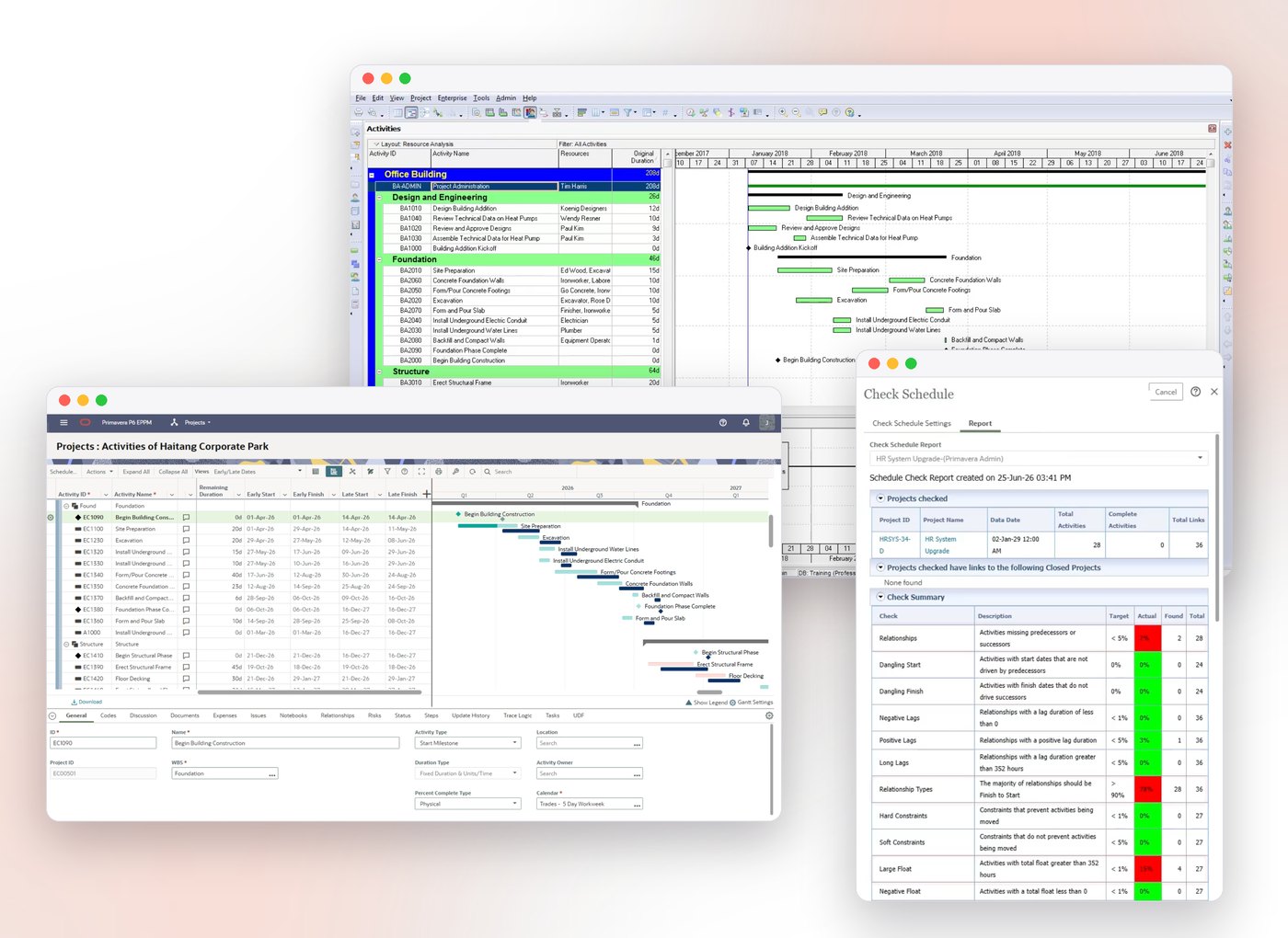
The global standard for project planning
Enterprise Project Portfolio Management with Primavera P6
The recognized standard for high-performance project management, Primavera P6 handles large-scale, highly sophisticated and multifaceted projects. Organize projects of up to 100,000 activities with unlimited resources and an unlimited number of target plans.
- Plan, schedule, and control large-scale programs and individual projects
- Select the right strategic mix of projects
- Balance resource capacity
- Allocate best resources and track progress
- Monitor and visualize project performance versus plan
- Foster team collaboration
- Integrate with financial management and human capital management systems
Manage your projects end to end
Critical path scheduling
Build realistic schedules with WBS, activity relationships and critical path analysis.
Resource and cost management
Balance resource loading, histograms and costs in the same plan.
Portfolio management
Bring all projects together under an enterprise project structure (EPS), then prioritise and compare them.
Reporting and analysis
Track performance with dashboards, earned value analysis and customisable reports.
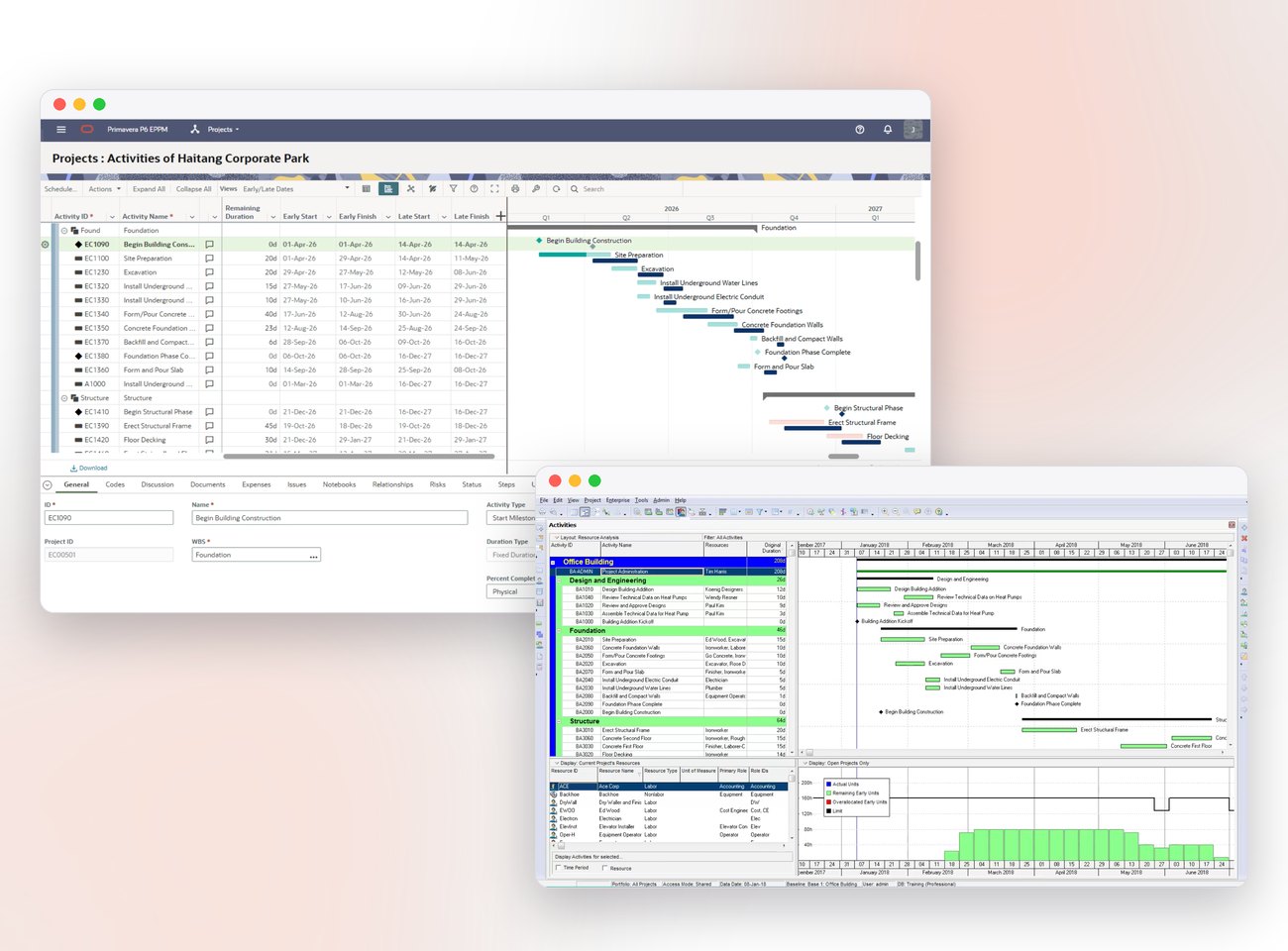
Time, resources and cost in one plan
Standard management processes
Baselines and progress tracking
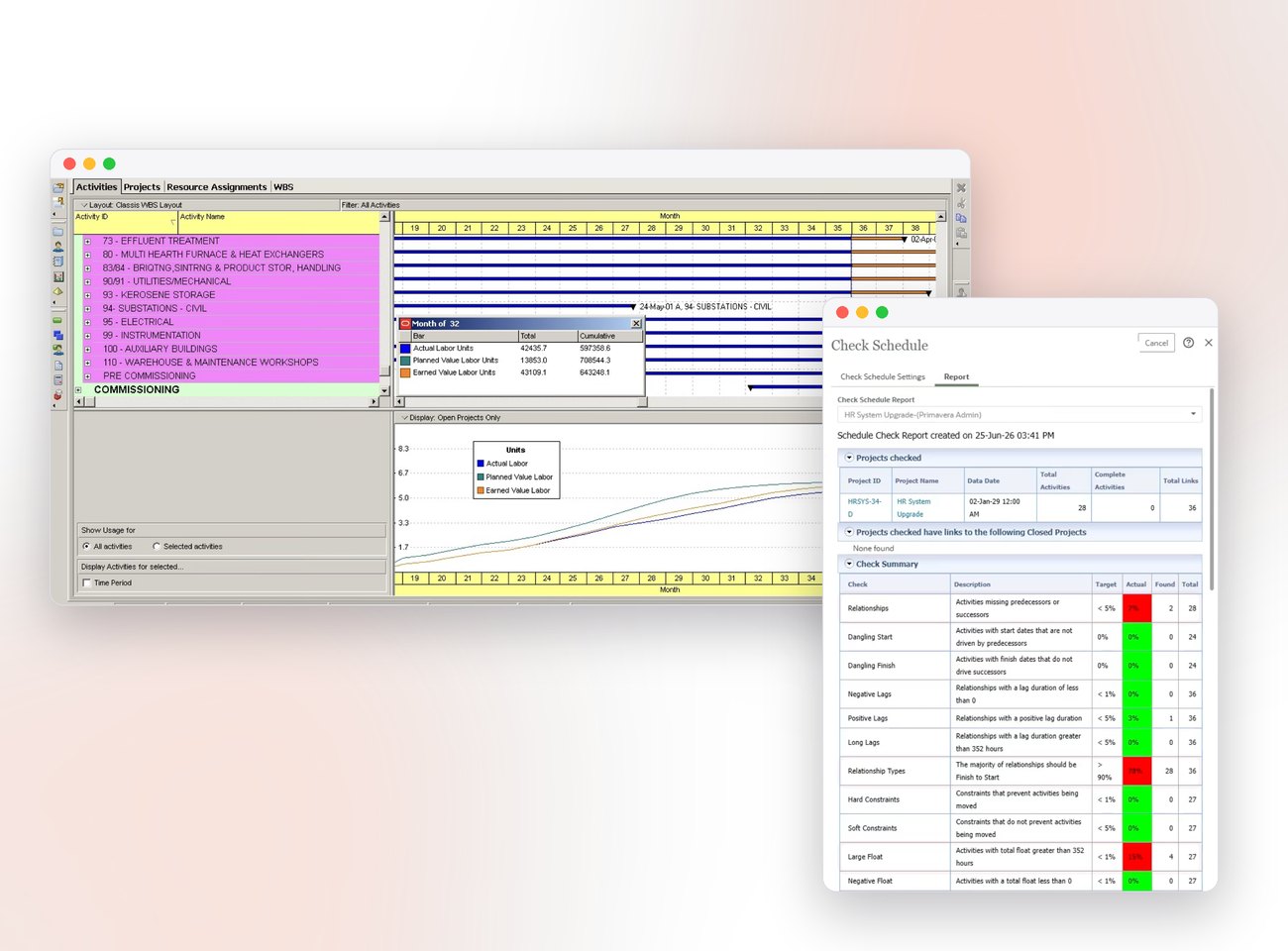
Reporting for every level
Resource and cost analysis
Portfolio analysis
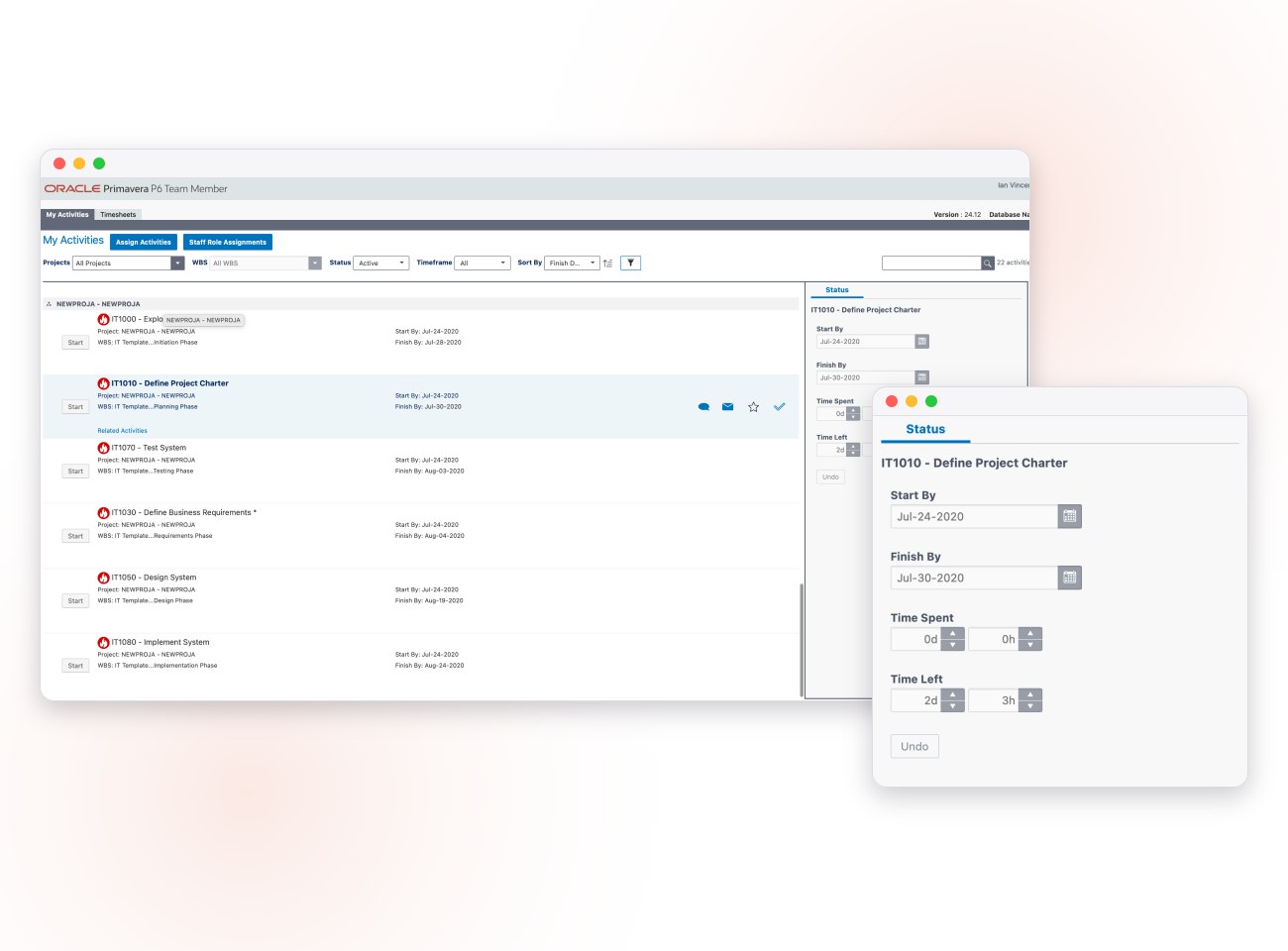
Progress from the field: P6 Team Member
Web and mobile access
Update approval
Primavera P6 specifications
Project Modeling
- Unlimited projects and baseline plans
- Up to100,000 activities per project
- Multi project resource and activity relationship control
- Scheduling and resource leveling, manually or automatically, at the project group and/or project level
- 50-level WBS
- Unlimited user-definable activity codes for selection and sorting
- Unlimited project codes to tag projects
- Unique activity ID
- Unlimited user-defined fields with text, integer, cost, date, indicator types
- Summarization of multiple project groups
- Store period performance
- What-if analysis
- Earned value analysis
- Global Change feature for mass project changes using Boolean logic, arithmetic, string and search-and- replace functions
- Project reflections
- User-definable project template library
- True concurrent multiuser functionality for updating, analysis and reporting
- Multi level project security definable on a per-user basis
- Project check-in/check-out
- Export/import in XER, XML formats
Resource and Cost Management
- Hierarchical resource pool for all projects
- Resource calendars and variable availability
- Unlimited resources per activity
- Nonlinear resource usage profiles
- Prioritizable forward and backward leveling
- Selective and timer-limited leveling
- Variable resource pricing and availability
- Resource-driven activity durations
- Earned value (BCWP) tables and curves
- Scheduled budget (BCWS) tables and curves
- Cost and schedule variance calculations
- Unlimited cost accounts with hierarchy
- Track and budget, actual cost this period, actual cost to date, percent complete, earned value, cost to complete, cost at completion
Reports and Graphics
- Tabular reports and graphics
- Report wizard and report editor
- Complete customization of display and output
- HTML publishing of layouts and reports
- Unlimited presentation layouts
- Hierarchical project outlining organized by any combination of activity codes and WBS
- Summarize and group activities and compare baselines
- Time-scaled bar (Gantt) charts with logic
- Necking and activity code colors/patterns on Gantt bars
- WBS chart
- Network diagram with Trace Logic
- Resource/cost histograms, tables and curves
- Production of reports in batches or one at a time
- Automated reports with Oracle BI
- Multiple levels of sort and selection (filter)
- User-definable bars, start and endpoints, colors, fonts, sizes and positions
- Print-to-fit a specific number of pages
Scheduling
- Critical path scheduling (CPM)
- Precedence diagramming method (PDM)
- Free and total float calculation
- Finish-to-start, start-to-start, start-to- finish and finish-to-finish activity relationships
- All relationships with user-definable lead and lag (positive and negative)
- Unlimited number of activity calendars
- Time units in hours,days,weeks and months
- 9 types of schedule constraints (e.g., start on or after, finish-on-or before, etc.)
- 6 types of activities for more precise schedule modeling (e.g., Task dependent, start milestone, finish milestone, Level of Effort, etc.)
- Suspend and resume dates for in-progress activities
- Extensive updating alternatives
- Progress Spotlight
Frequently asked questions
What is the difference between P6 Professional and P6 EPPM?
P6 Professional is a Windows desktop application designed primarily for planners. P6 EPPM is web-based and lets you manage large numbers of projects, resources and users together at enterprise scale.
Can I use Primavera P6 in the cloud?
Yes. With Primavera P6 Cloud you can use P6 in an Oracle-hosted environment, without installing or maintaining servers.
Can I import my Microsoft Project files into P6?
Yes. Primavera P6 can import Microsoft Project XML files. We also provide consulting to adapt WBS, code and calendar structures to your company standards after the import.
Do you provide Primavera P6 training?
Yes. We run Primavera P6 Fundamentals and Advanced courses online and in the classroom. Contact us for the current schedule.
Where can I find licence prices?
See our Primavera P6 Pricing page, or request a demo to talk to our experts.
Brochures and documents
Download Primavera P6 brochures and documents.