In which cases should we use the tool?
- when an error occurs when trying to import an XER file, as described in KM note: Error Importing XER: ORA-12899: value too large for column "ADMUSER"."POBS"."POBS_NAME".
- when the POBS section of an exported project is large and causes import performance issue.
- when user wants to remove the POBS section, but he does not want to do it manually.
How to use the tool?
Download the tool
- Download the attached file "PobsEraser.exe".
For Windows 64-bit: PobsEraser.zip
Start up the tool and have it process XER files
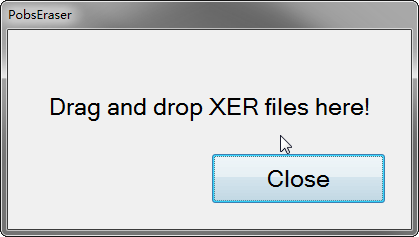
- Double-click the tool to start it up.
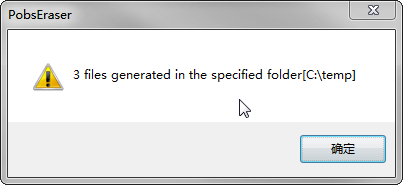
- Drag and drop XER files to the tool dialog, it will prompt you for the destination folder where the new XER files will be generated.
- Specify the output folder then click "OK".
- Browse to the folder you specified and find the generated files. The generated files are named as "[NO-POBS]+<the original file name>". For e.g. "[NO-POBS]my.xer".
We recommend you never overwrite the original file and please keep the original file.